
Make the most out of your reading time. Insights built in.
Reading, understanding, and synthesizing academic literature is hard. It's your work — and you deserve the best tools to do it well.

The closest thing to reading on paper
Paperpile's PDF viewer works right in your browser, or on your iPad or Android tablet.
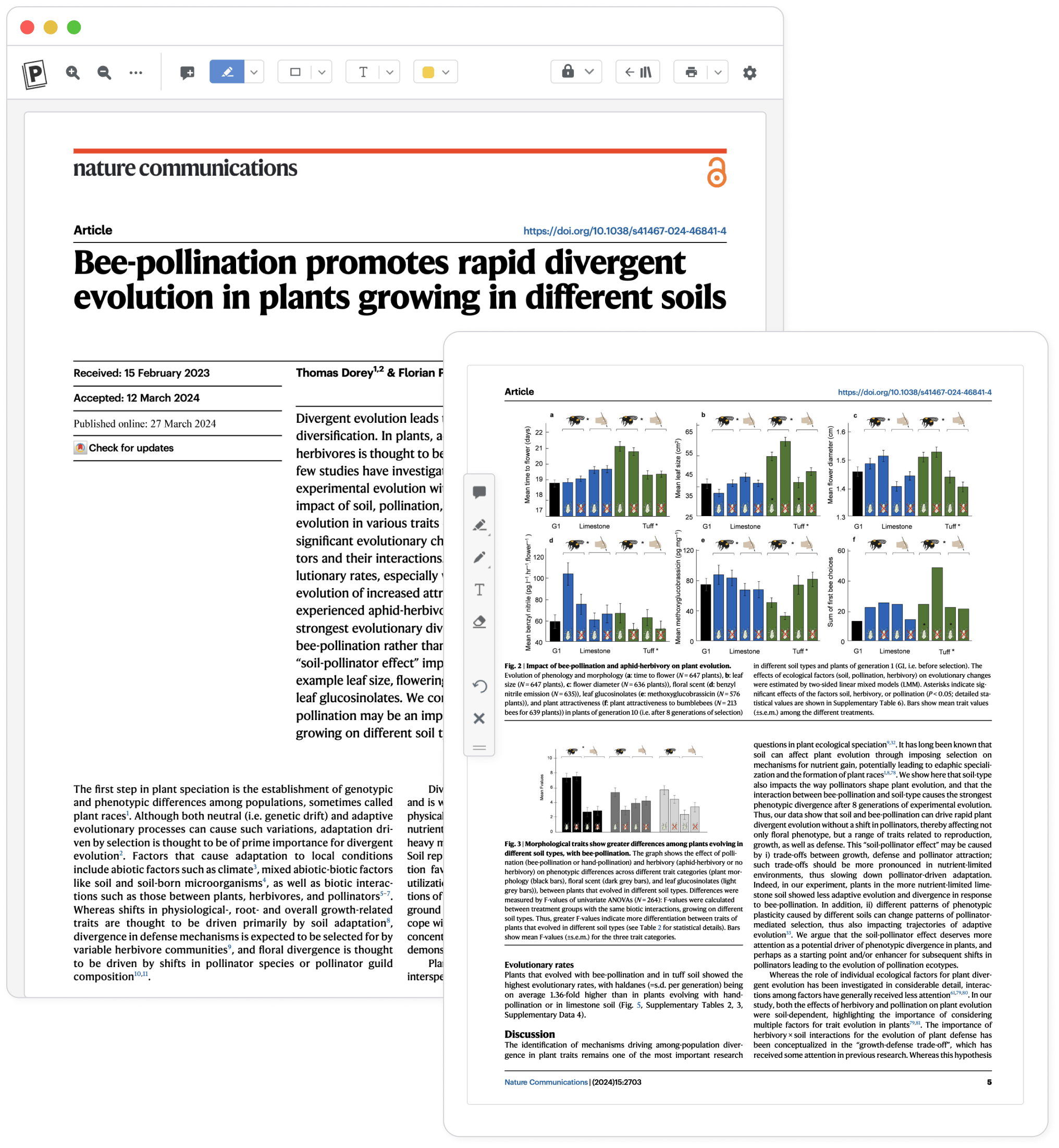
Never forget an important idea
Insights come and go, your notes and highlights in Paperpile stay. Revisit them anytime without re-reading the whole paper.
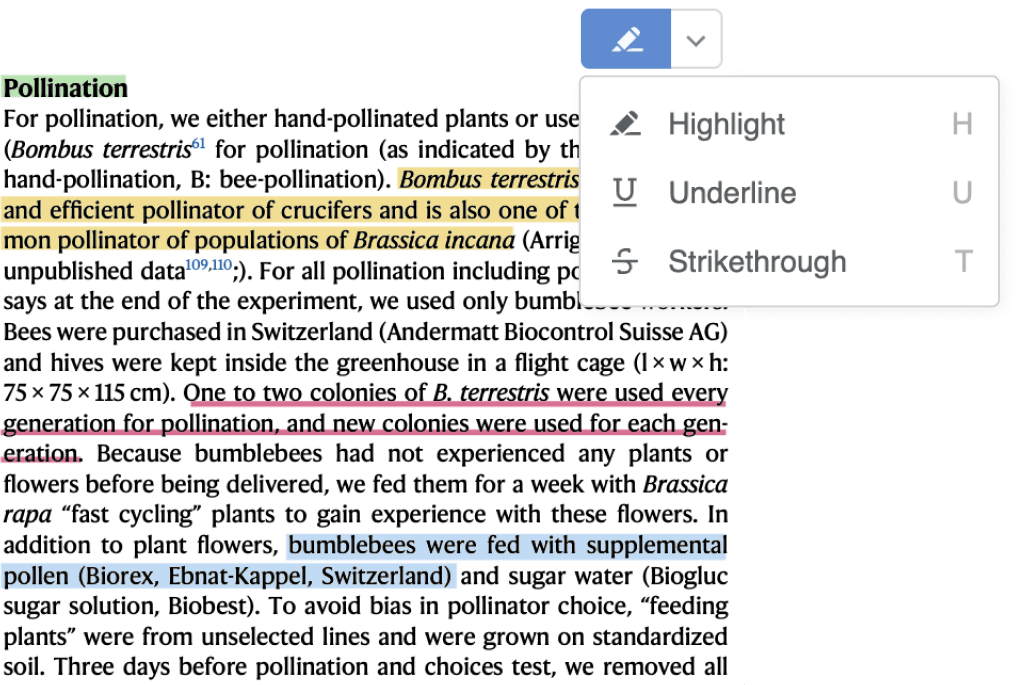
Highlights
Highlight or underline the key sections of your papers.
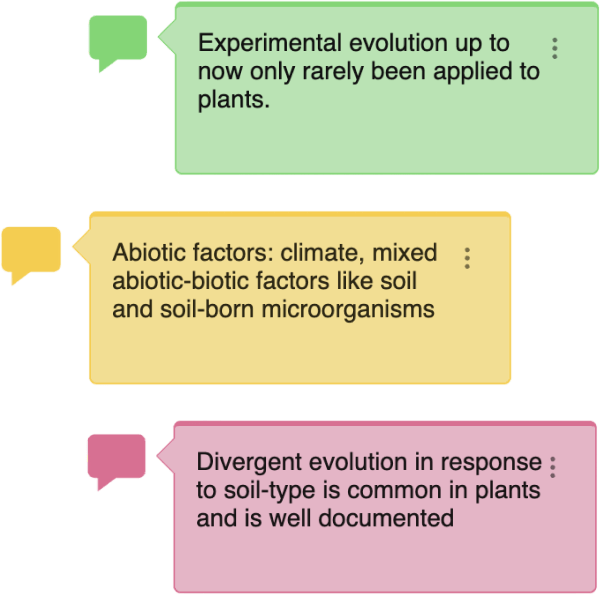
Notes
Add notes to highlights or add standalone sticky notes.
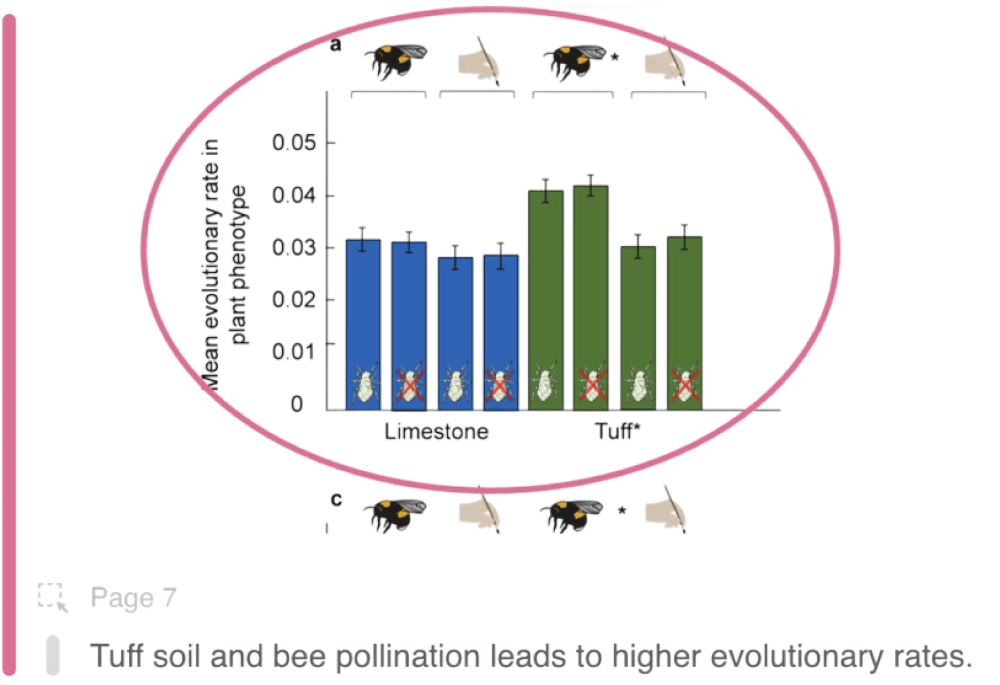
Annotate figures and tables
Highlight and add notes to figures and tables — often where the key details are.
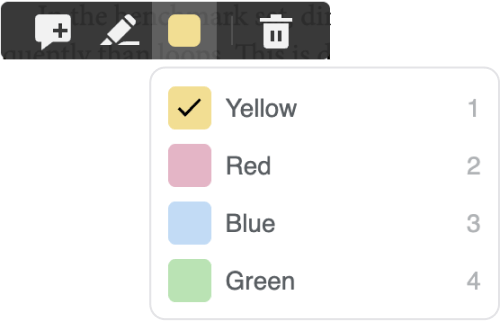
Colors and keyboard shortcuts
Switch easily between colors. Use a single color or create a detailed color code to organize your information — it's up to you.
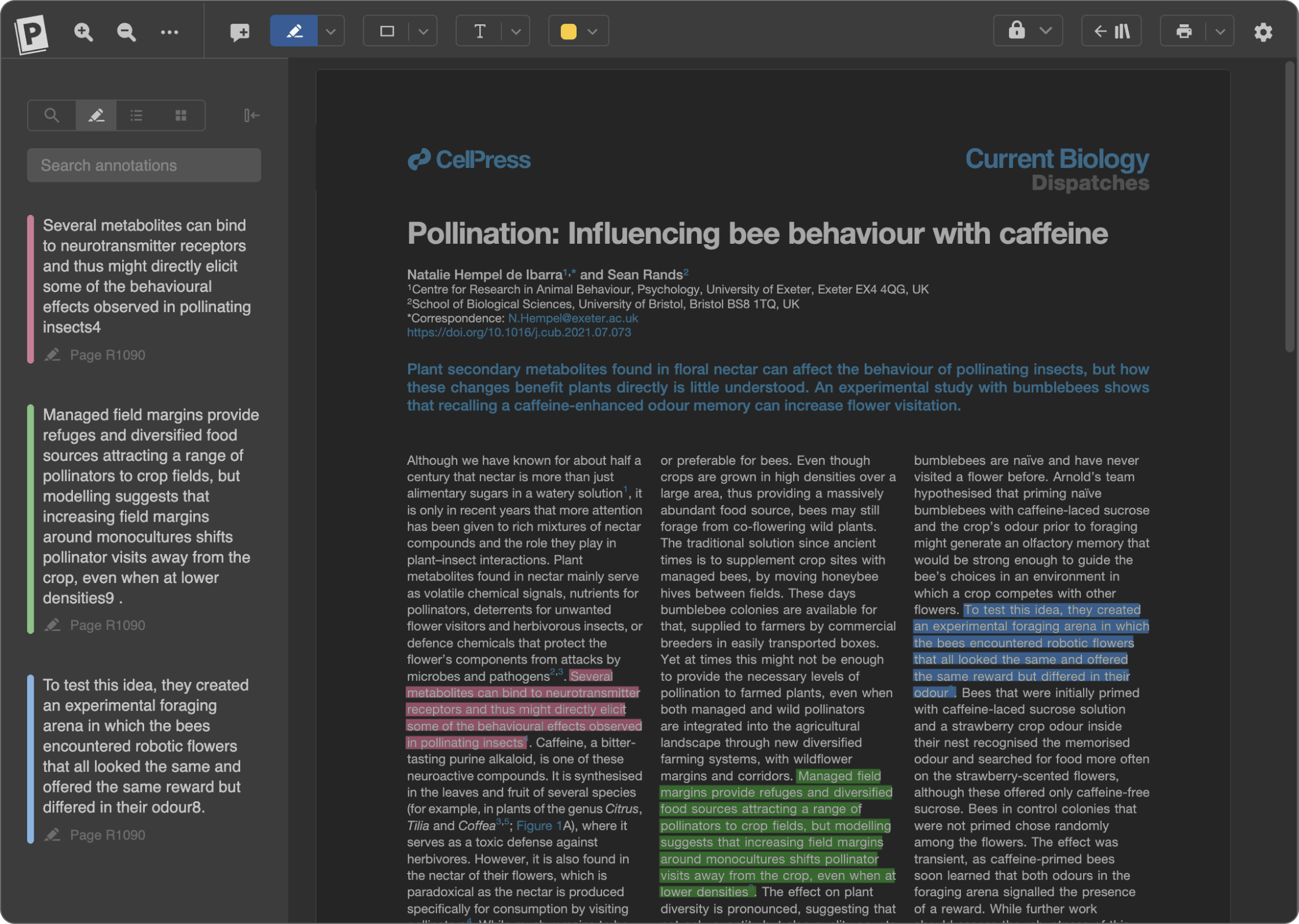
Day or night. It's up to you.
Switch to Paperpile's dark theme when your eyes are tired. Or simply because you like black.
Take your PDFs and notes wherever your work takes you
Never locked in. View and annotate with any PDF viewer, or move notes to your favorite note-taking app.
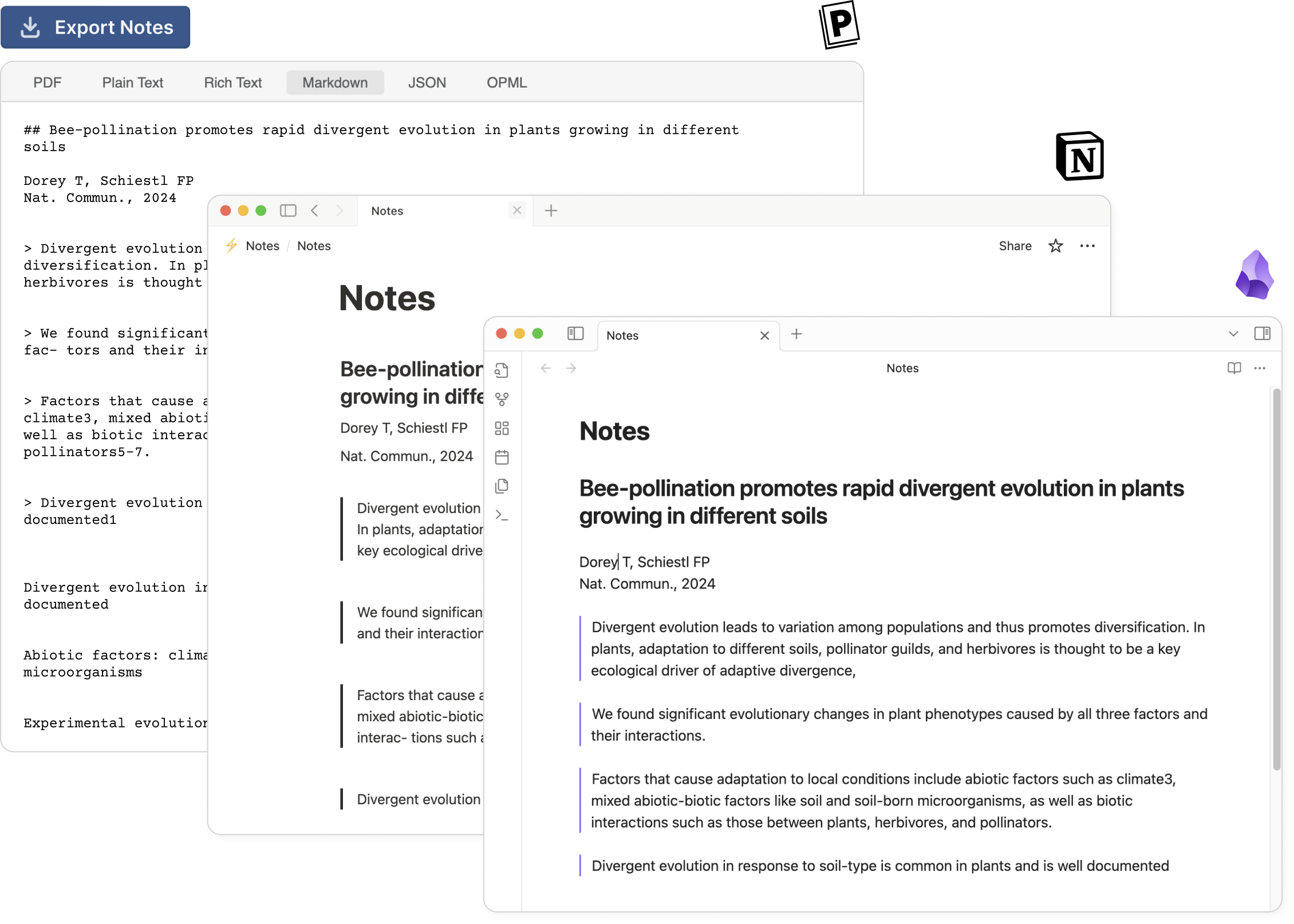
Markdown export
Export notes as Markdown to apps like Notion or Obsidian.
Save annotations directly in the PDF
Annotations are stored using the PDF ISO standard, so any compliant viewer can read them.
Sync files to your cloud provider
Access your PDFs on any device via Google Drive or OneDrive.