
From anywhere to your library in one click
No guesswork. No lost files. Just everything in one safe place, ready when you need it.

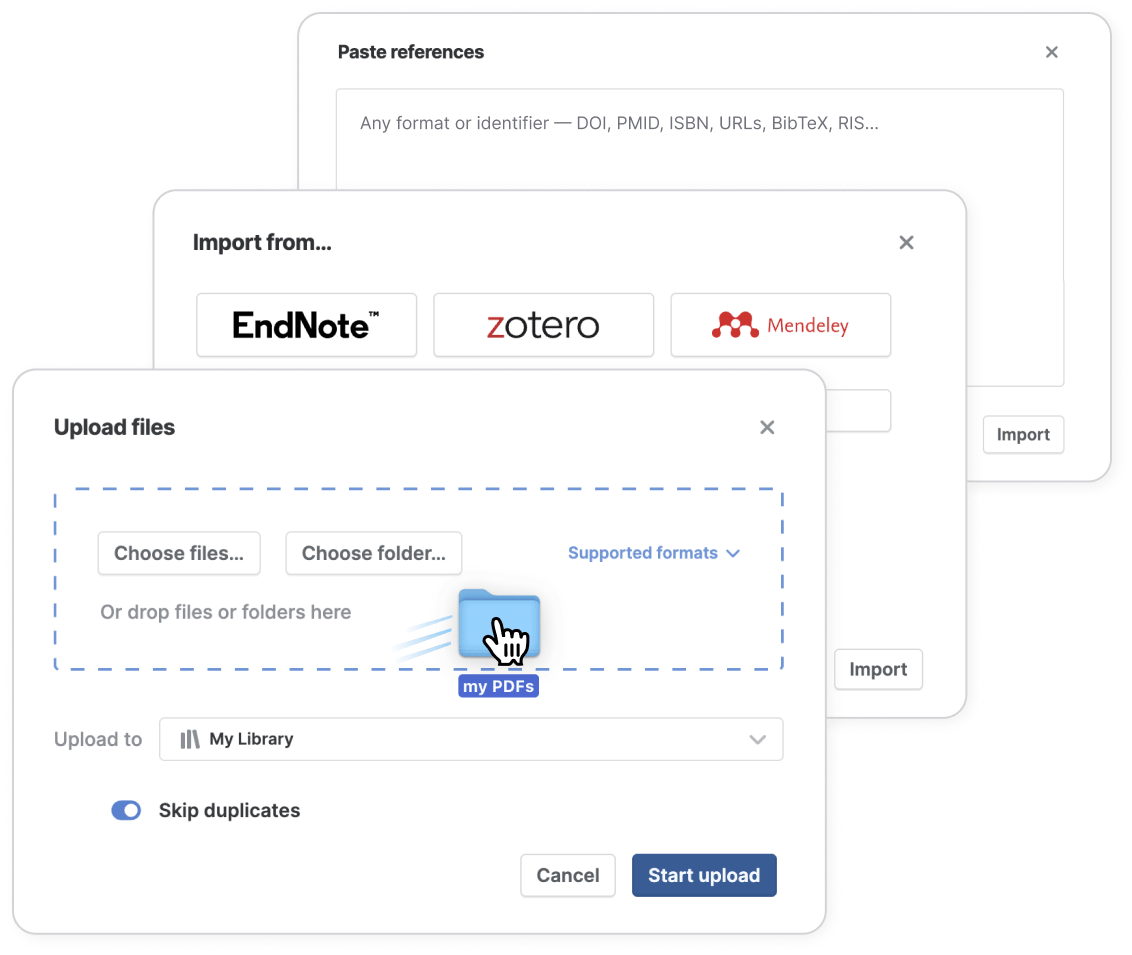
Throw anything at Paperpile
Upload PDFs, BibTeX, RIS… even paste references from the back of a PDF or a list of DOIs.
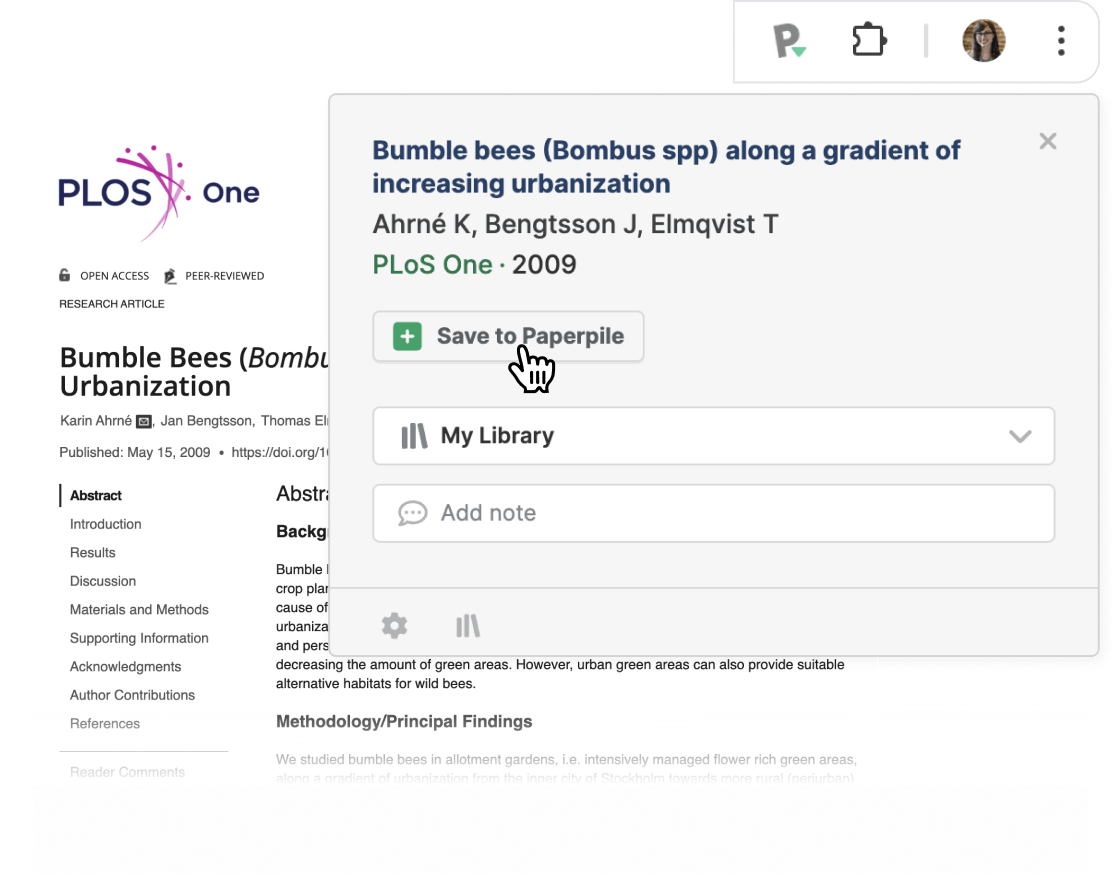
Save as you browse
Save any paper, book, news article, blog, or PDF from any site to your library in one click — and keep right on browsing.
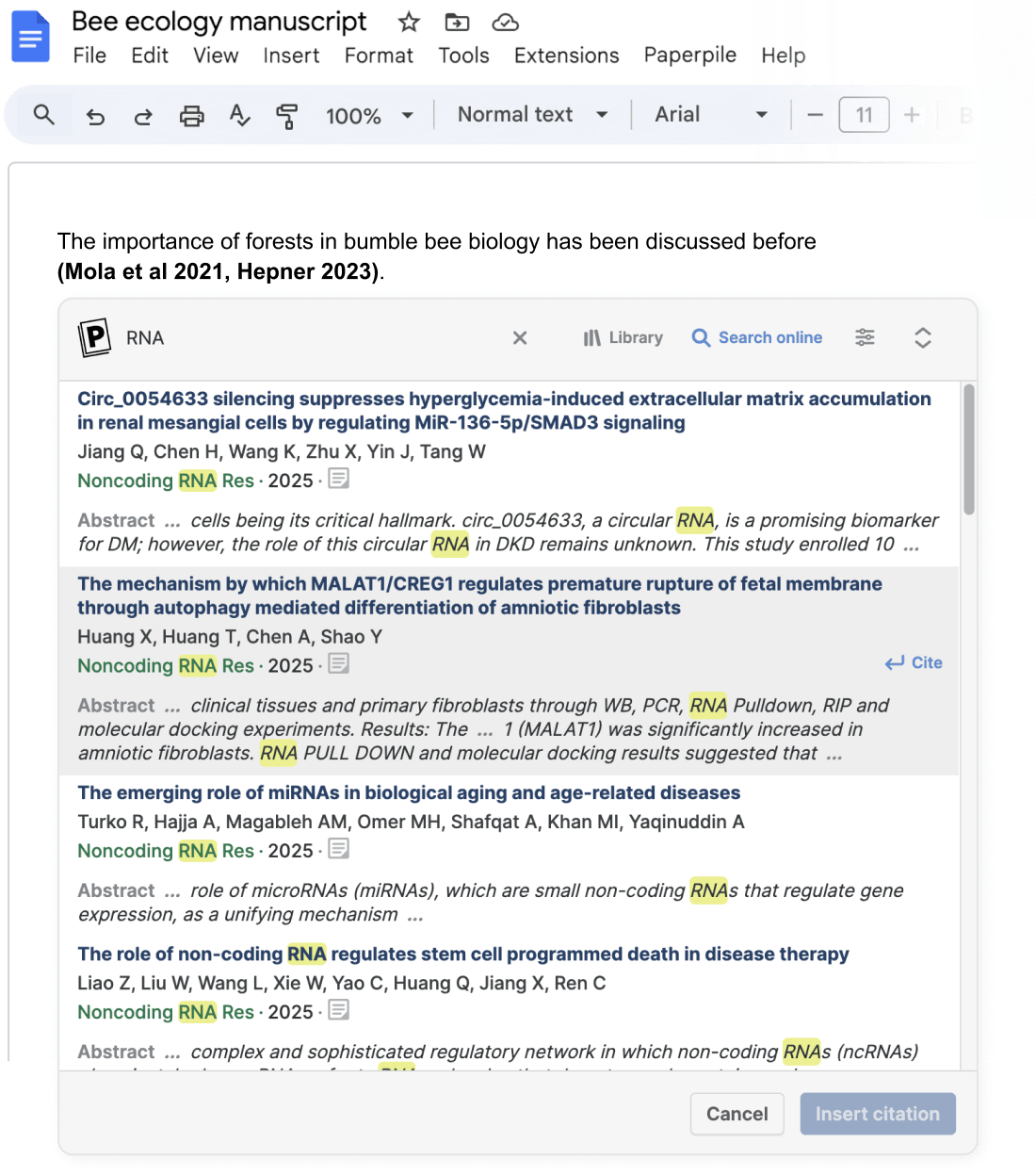
Search, cite, repeat
Collect references as you write. Search the world's academic literature and cite it instantly from Paperpile, Google Docs, or Word.
Always find and download the PDF
Paperpile's algorithms work behind the scenes to automatically find and download PDFs for the papers you save. When that's not possible, it gives you fast, easy alternatives.
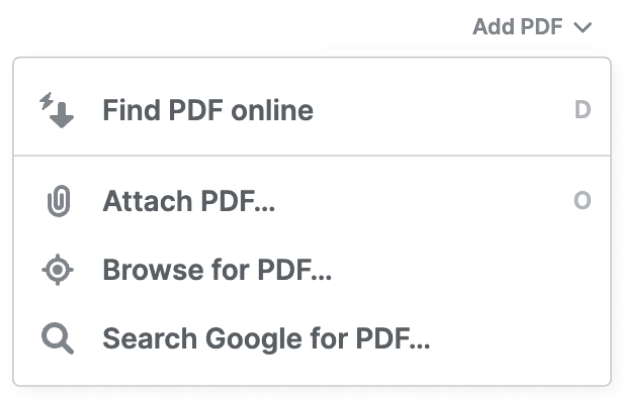
Many ways to get the PDF
Let Paperpile find it automatically, or guide you to a public version via your browser or Google.
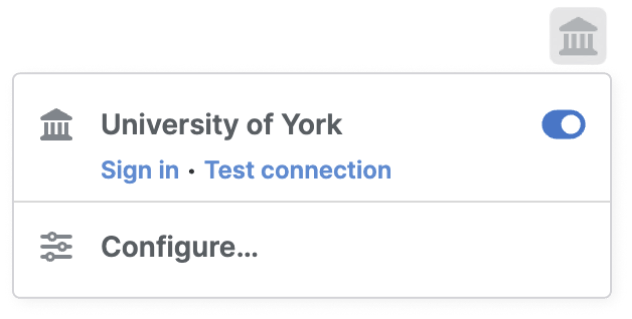
Off-campus access
Connect through your university to access restricted PDFs just like on campus.
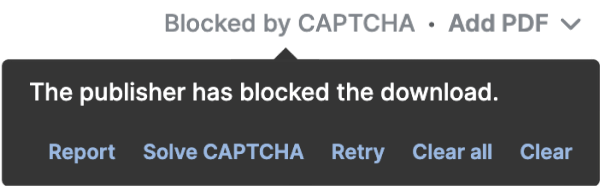
Help with CAPTCHAS
They're annoying. But Paperpile helps you get through them and still get the PDF.